
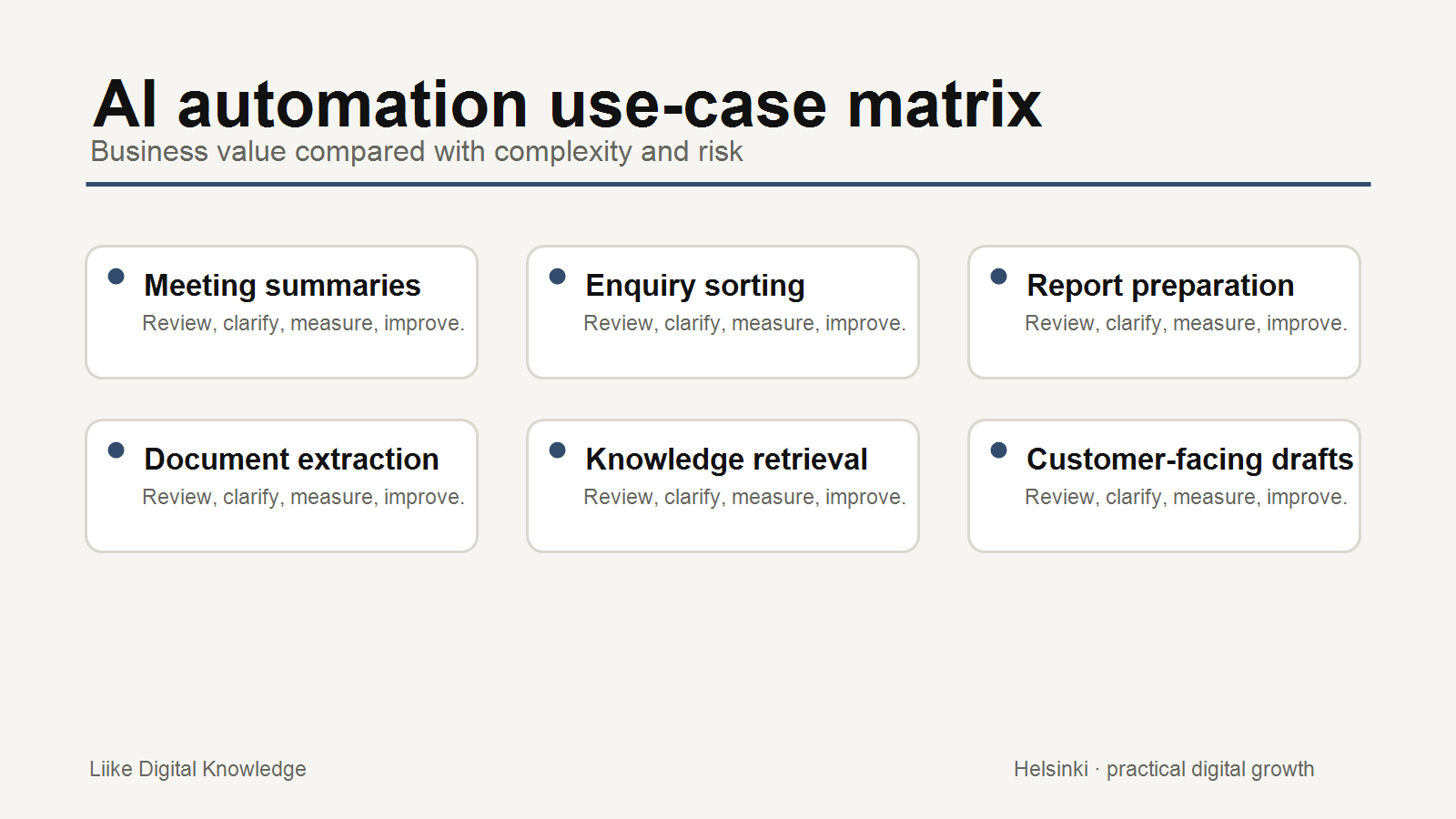
AI automation is easiest to discuss in abstract terms and hardest to apply safely in everyday work. For a small business, the best first projects are usually bounded, repeated and easy to review.
The goal is not to automate everything. The goal is to find tasks where AI can prepare, classify, summarise or organise work while people remain responsible for judgement, customer commitments and sensitive decisions.
How to choose early use cases
OpenAI's business guidance encourages teams to identify specific opportunities where AI can create practical value, especially in repetitive work, bottlenecks and tasks involving ambiguity. For SMEs, that idea becomes a simple filter: is the task repeated, is the input available, can success be measured, and can risk be controlled?
Start with workflows where a mistake can be caught before it affects a customer or financial decision.
1. Enquiry classification
Problem: Customer enquiries arrive in different formats and someone has to decide the topic, urgency and next owner.
Automation: A form or inbox workflow routes the enquiry into a queue.
AI role: Suggest a category, urgency level and short summary.
Human role: Confirm the classification before responding or assigning work.
Risk/data considerations: Customer information may be sensitive. Avoid exposing unnecessary personal data and keep a review step for unusual cases.
Measure success: Faster routing, fewer missed enquiries, fewer wrong assignments and clearer first responses.
2. Meeting and action summaries
Problem: Meetings produce notes, but actions are missed or scattered across messages.
Automation: A note or transcript is sent to a summary workflow.
AI role: Draft a summary, action list, owner suggestions and open questions.
Human role: Check accuracy and approve the final action list.
Risk/data considerations: Meeting notes may contain confidential or personal information. Decide what should be included before using the workflow.
Measure success: Fewer missed actions, shorter follow-up time and clearer ownership.
3. Document information extraction
Problem: Staff manually copy information from documents into spreadsheets or systems.
Automation: Documents enter a controlled intake folder or form.
AI role: Extract names, dates, amounts, topics or requested fields into a structured draft.
Human role: Validate extracted information before it is stored or used.
Risk/data considerations: Extraction errors can create downstream mistakes. Keep validation, especially for financial, legal or identity-related fields.
Measure success: Less manual entry, fewer copy errors and faster document processing.
4. First-draft internal content
Problem: Teams spend time turning source material into internal briefs, outlines or updates.
Automation: Approved source notes are passed into a draft-generation workflow.
AI role: Produce a first draft, outline or repurposed version.
Human role: Review accuracy, tone, permissions and business context before use.
Risk/data considerations: AI may invent details if the source material is weak. Use approved inputs and require review.
Measure success: Faster first drafts and less blank-page time without lowering quality.
5. Repetitive reporting preparation
Problem: Monthly reporting takes time because data must be gathered, formatted and explained.
Automation: Metrics are collected from approved systems into a repeatable report structure.
AI role: Draft a plain-language summary of notable changes and possible questions.
Human role: Interpret business meaning and approve recommendations.
Risk/data considerations: Metrics can be misunderstood. Do not let AI make business decisions from numbers without human interpretation.
Measure success: Less preparation time, more consistent reporting and clearer monthly decisions.
6. Internal knowledge retrieval
Problem: Staff ask repeated questions because policies, service information or process notes are hard to find.
Automation: A controlled knowledge source is connected to a search or assistant workflow.
AI role: Suggest relevant answers or source documents.
Human role: Maintain the source material and review gaps.
Risk/data considerations: The assistant should not answer beyond approved knowledge or expose restricted information.
Measure success: Fewer repeated questions and faster access to approved information.
Human control is part of the design
Microsoft's Power Automate documentation describes adding approval steps after AI-generated text. That pattern is useful for small businesses: let AI prepare work, then require a person to approve anything customer-facing, consequential or uncertain.
Human control should cover sensitive information, customer-facing outputs, financial or legal consequences, monitoring, failure handling and escalation. NIST's AI Risk Management Framework is broader than a small-business checklist, but its core idea is relevant: AI risk should be managed across design, deployment, use and evaluation.
A practical starting checklist
- Choose a repeated task, not a vague AI ambition.
- Write the current workflow in steps.
- Identify where AI is assisting, not deciding.
- Define the human approval point.
- Check what customer, financial or confidential data is involved.
- Test with low-risk examples first.
- Measure time saved, errors, rework and confidence.
- Create a failure path so a person can take over.
Conclusion
The best early AI automation projects are not usually the most impressive. They are the ones that remove repeated preparation work, improve consistency and keep people in control where judgement matters.
Start small. Measure honestly. Expand only when the workflow is clearer and safer than before.
Sources and further reading
- OpenAI: Identifying and scaling AI use cases
- OpenAI: A practical guide to building agents
- Microsoft Learn: Use your prompt in Power Automate
- Microsoft Learn: Get started with approvals
- NIST: AI Risk Management Framework
Related Knowledge
- What AI Automation Actually Means for a Small Business
- Technology Choices That Reduce Admin Work
- Business Technology Knowledge
Need help turning a workflow into a practical project?
Liike Digital Packages provide defined professional support for practical digital growth work, including planning and improving the systems around websites, visibility and business workflows.