
A social media calendar should make publishing easier, not create another pressure system. For small businesses, the goal is usually consistency, clarity and useful repetition rather than daily posting for its own sake.
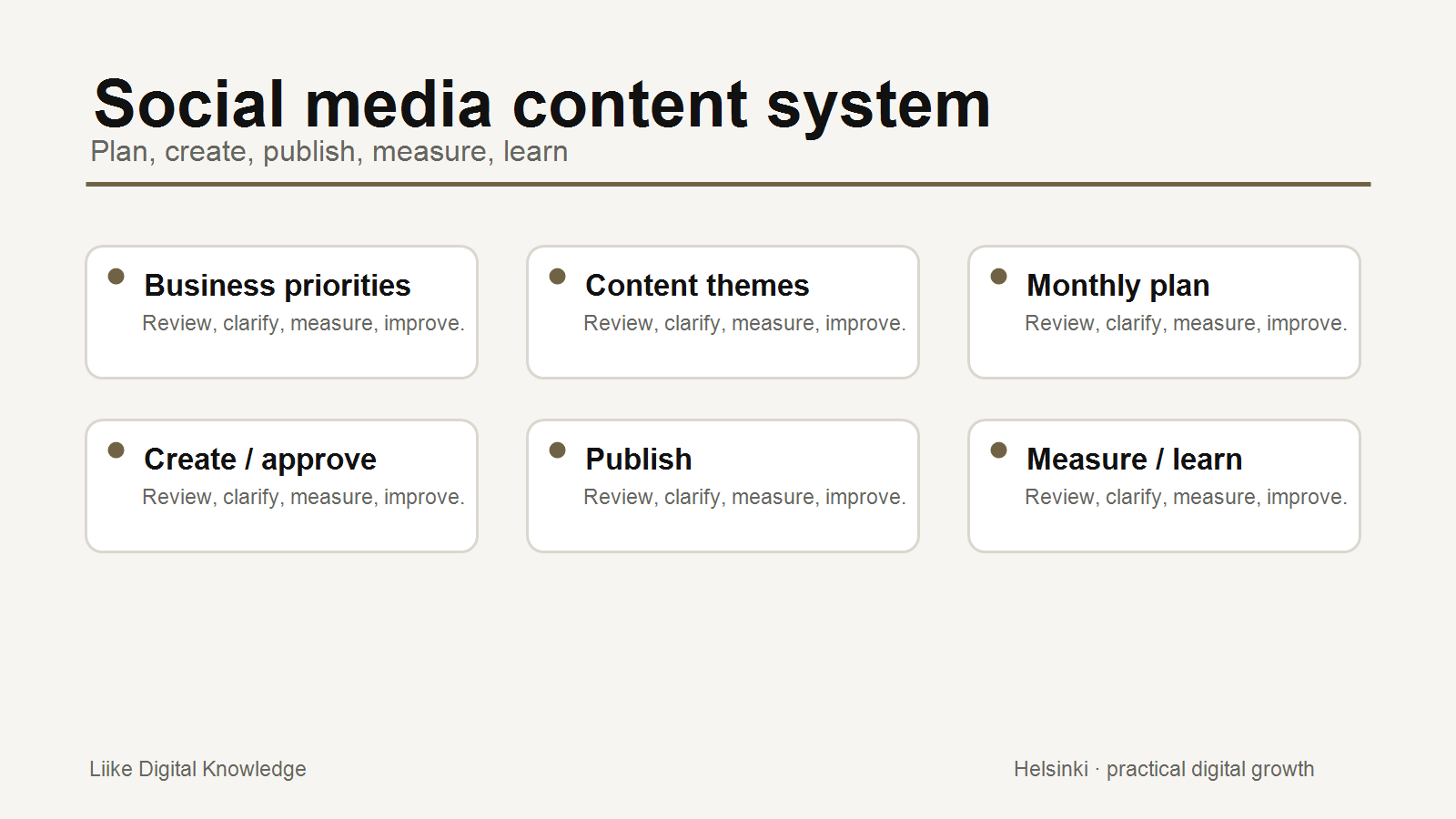
The strongest calendars start with business and customer priorities, then turn those priorities into content themes, practical posts and a manageable review rhythm.
Start with the business goal
Before choosing post ideas, decide what social media should support. The goal might be trust, local awareness, service education, recruitment, customer proof, event promotion or website visits. Different goals need different content.
If the business goal is unclear, the calendar becomes a list of random ideas. A good calendar helps the business choose what not to post as much as what to post.
Choose appropriate channels
Not every business needs every platform. A local consumer business may use Instagram and Facebook differently from a B2B service company using LinkedIn. The useful question is where customers, partners or decision-makers actually pay attention and what kind of content they expect there.
Platform guidance from Meta and LinkedIn both points toward using the tools available for posts, scheduling and analytics. The practical SME version is simple: choose channels you can maintain and measure.
Define content themes
Content themes keep the calendar from becoming a weekly scramble. Useful themes may include:
- Educational content: explain common questions, mistakes, processes or decisions.
- Proof and trust: show examples, outcomes, customer context, reviews or behind-the-scenes credibility.
- Service or product content: explain what is available, who it is for and how to start.
- Company updates: share relevant changes, milestones, openings or team updates.
- Local or community content: connect the business to place, events or customer context where relevant.
The mix should fit the business. A professional service may need more education and proof. A local retail or hospitality business may need more timely updates and community context.
Set a realistic frequency
A calendar that assumes daily posting may fail quickly if the business has no time to create and approve content. Start with a rhythm that can be maintained for several months. One useful post every week can be better than a burst of daily content followed by silence.
Consistency comes from process: topics chosen in advance, source material gathered, posts drafted in batches and approvals handled before the publishing date.
Batch and repurpose content
Small businesses often already have useful material: customer questions, service explanations, project notes, photos, reviews, guides and seasonal reminders. A calendar turns that material into planned posts.
One service explanation can become a short LinkedIn post, an Instagram carousel, a website FAQ update and a note for a future article. Repurposing is not laziness. It is how a small team makes useful knowledge visible in more than one place.
Build an approval workflow
Approvals matter when posts include claims, customer details, prices, legal or regulated topics, staff images or time-sensitive offers. Decide who checks the content, what they check and how close to publishing approval must happen.
The process does not need to be heavy. A simple monthly review can prevent last-minute uncertainty.
Simple Monthly Content Calendar
Here is a practical example for a small service business posting once or twice per week:
- Week 1: Educational post answering a common customer question.
- Week 1: Trust post showing a process step, review or useful proof.
- Week 2: Service post explaining one offer and who it fits.
- Week 3: Local, seasonal or business update.
- Week 4: Educational post linked to a website guide or service page.
- End of month: Review performance and choose next month's themes.
The calendar should stay flexible. If customer questions, news, weather, events or business priorities change, adjust the plan.
Measure useful outcomes
Social metrics can be noisy. LinkedIn Page analytics, for example, includes impressions, clicks, reactions, comments, reposts and engagement rate. Meta tools provide scheduling and planning features as well as performance views. These metrics are useful when connected to a business question.
Review which posts produced useful conversations, website visits, enquiries, saves, shares or repeated questions. Do not treat likes as the only measure of value.
Practical checklist
- Define the business purpose for social media.
- Choose the channels the business can maintain.
- Create 4 to 6 content themes.
- Set a realistic posting rhythm.
- Batch draft posts where possible.
- Repurpose useful website and customer-question content.
- Agree an approval process.
- Leave space for timely updates.
- Review performance monthly.
- Adjust next month's calendar based on evidence.
Conclusion
A social media content calendar is not about filling every day. It is about making useful communication repeatable. Start with priorities, choose themes, publish consistently, measure what matters and improve the next month.
Sources and further reading
- Facebook Help Center: Schedule a post and manage scheduled posts for your Facebook Page
- LinkedIn Help: Post as your LinkedIn Page
- LinkedIn Help: Content analytics for your LinkedIn Page
- Google Analytics Help: User acquisition report vs. Traffic acquisition report
Related Knowledge
- A Practical Social Media System for Small Businesses
- How to Choose the Right Marketing Channel
- Digital Marketing Knowledge
Need defined support for your digital growth priorities?
Liike Digital Packages provide one-time professional support for practical website, visibility, SEO and digital marketing improvements.