
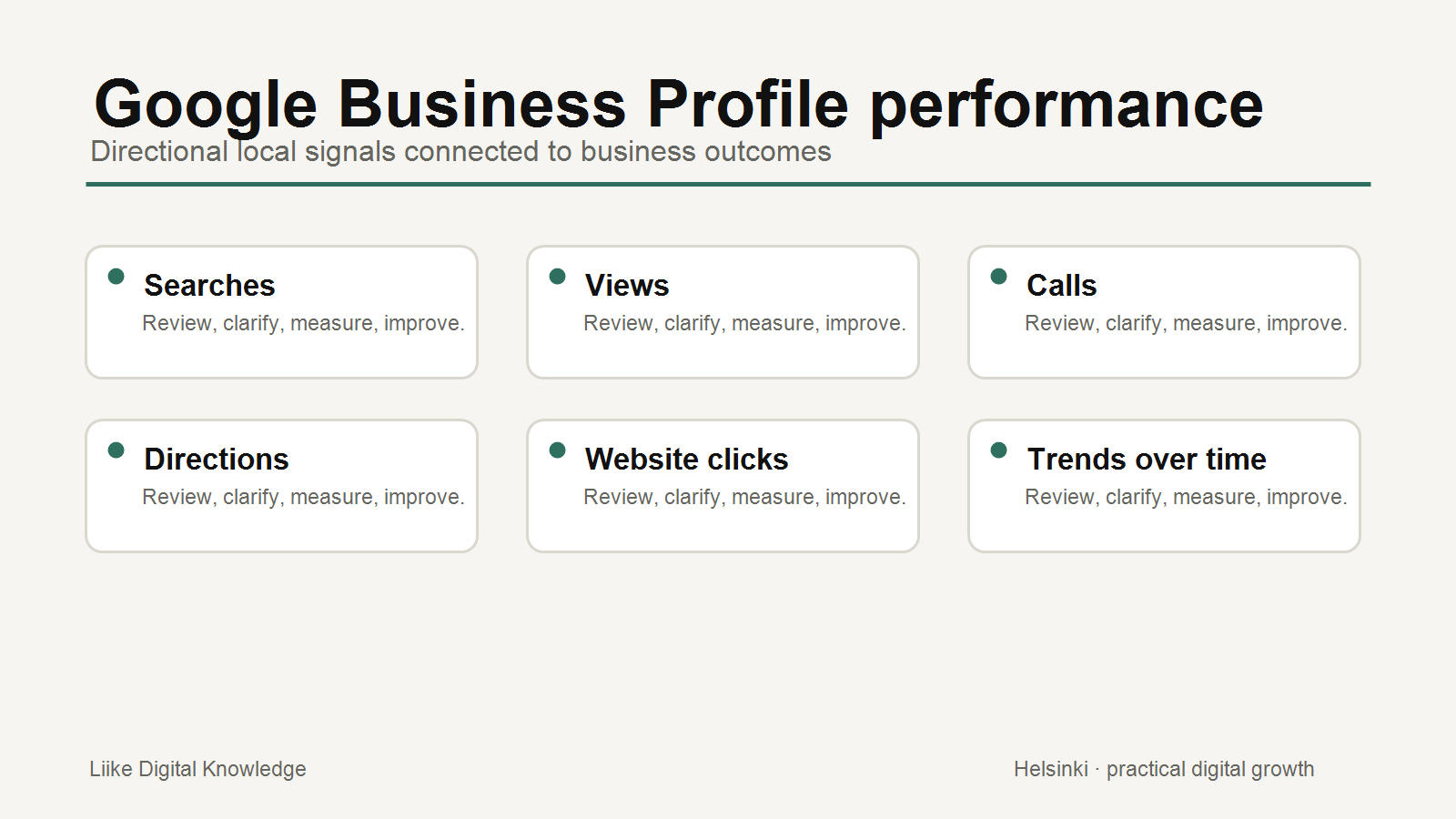
For many local businesses, a Google Business Profile is one of the first places potential customers check before calling, visiting, asking for directions or clicking through to the website. Reviewing performance helps you understand whether the profile is supporting those customer actions.
The data is useful, but it is not perfect attribution. Treat it as directional evidence connected to local discovery, customer actions and the wider website journey.
Start with the right expectations
Google's Business Profile performance reporting can show how people discover and interact with a verified profile. Available metrics depend on the business type and features in use. Not every metric appears for every business.
A profile review should answer practical questions: are people finding the business, what actions are they taking, and does the profile make the next step easier?
Review searches and search terms
Search terms can show the language people used when the Business Profile appeared. This can reveal whether customers are discovering the business for relevant services, local needs or branded searches.
Do not try to directly manage every query. Use the information to improve clarity: business categories, service descriptions, website content and customer-facing language.
Look at views and interactions
Profile views and interactions help show whether people are seeing and engaging with the profile. Google documentation describes interactions such as calls, website clicks, direction requests, messages, bookings and other available actions, depending on the profile.
Review trends over time rather than one isolated number. Seasonality, holidays, campaigns, opening-hour changes and local demand can all affect results.
Check calls, directions and website clicks
Calls may show direct contact intent. Direction requests may be especially important for shops, venues, clinics, restaurants and other places customers visit. Website clicks can show that people needed more information before deciding.
Each signal needs context. A high number of website clicks is useful only if the landing page helps the visitor continue. If people click through but do not enquire, book or purchase, the website may need review.
Connect profile performance to website analytics
Google supports connecting Business Profile data with Google Analytics in supported cases. Even without that connection, review website traffic and customer actions alongside profile performance where tracking is available.
Analytics can help show what people do after they reach the website. Business Profile performance can help show how the local profile contributes before that moment. The two systems measure different parts of the customer journey.
Use reviews and completeness as context
Performance numbers are easier to interpret when profile quality is reviewed too. Check whether the business name, categories, hours, services, photos, contact details and website link are accurate. Review responses and profile updates should remain professional and policy-compliant.
Reviews can provide trust context, but do not assume one profile action directly caused a review, call or visit. Local customer behavior is rarely that simple.
Avoid overclaiming ranking improvements
Profile improvements can make information clearer and the customer journey easier, but no single action should be presented as a guaranteed ranking improvement. Google's systems use many signals, and local results vary by query, location, relevance and context.
The practical goal is to keep the profile accurate, useful and connected to the website, then review whether customer actions improve over time.
Monthly Google Business Profile Review
- Check the selected date range and compare with the previous period.
- Review searches or search terms where available.
- Review profile views and interactions.
- Check calls, direction requests, bookings and website clicks where applicable.
- Compare trends with seasonality, campaigns or business changes.
- Review website analytics for visitors from local/profile sources where available.
- Check profile completeness: categories, hours, services, photos and links.
- Review recent reviews and response quality.
- Look for customer questions that should be answered on the website.
- Choose one practical improvement for the next month.
What to do with the findings
If website clicks are strong but enquiries are weak, review the website page people land on. If directions rise but calls drop, consider seasonality, customer behavior and whether opening information is clear. If search terms show irrelevant discovery, review categories and service descriptions.
Good performance review turns data into one useful next action, not a long list of disconnected numbers.
Conclusion
Google Business Profile performance can help local businesses understand discovery and customer actions. Use it alongside website analytics, real enquiries, reviews and profile completeness. The aim is not perfect attribution. The aim is a clearer local customer journey.
Sources and further reading
- Google Business Profile Help: Understand your Business Profile performance and insights
- Google Business Profile Help: Connect your Business Profile to Google Analytics
- Google Analytics Help: Connect Google Business Profile to Google Analytics
- Google Business Profile Help: Guidelines for representing your business on Google
- Google Business Profile Help: Policies and guidelines
Related Knowledge
- Google Business Profile Setup Checklist
- Google Business Profile: Make the First Local Visit Easier
- A Practical SEO Checklist for Better Search Visibility
- A Simple Monthly SEO Review for Small Businesses
Need practical help improving local visibility?
Liike Digital Packages provide defined professional support for website, visibility, SEO and digital marketing priorities.