
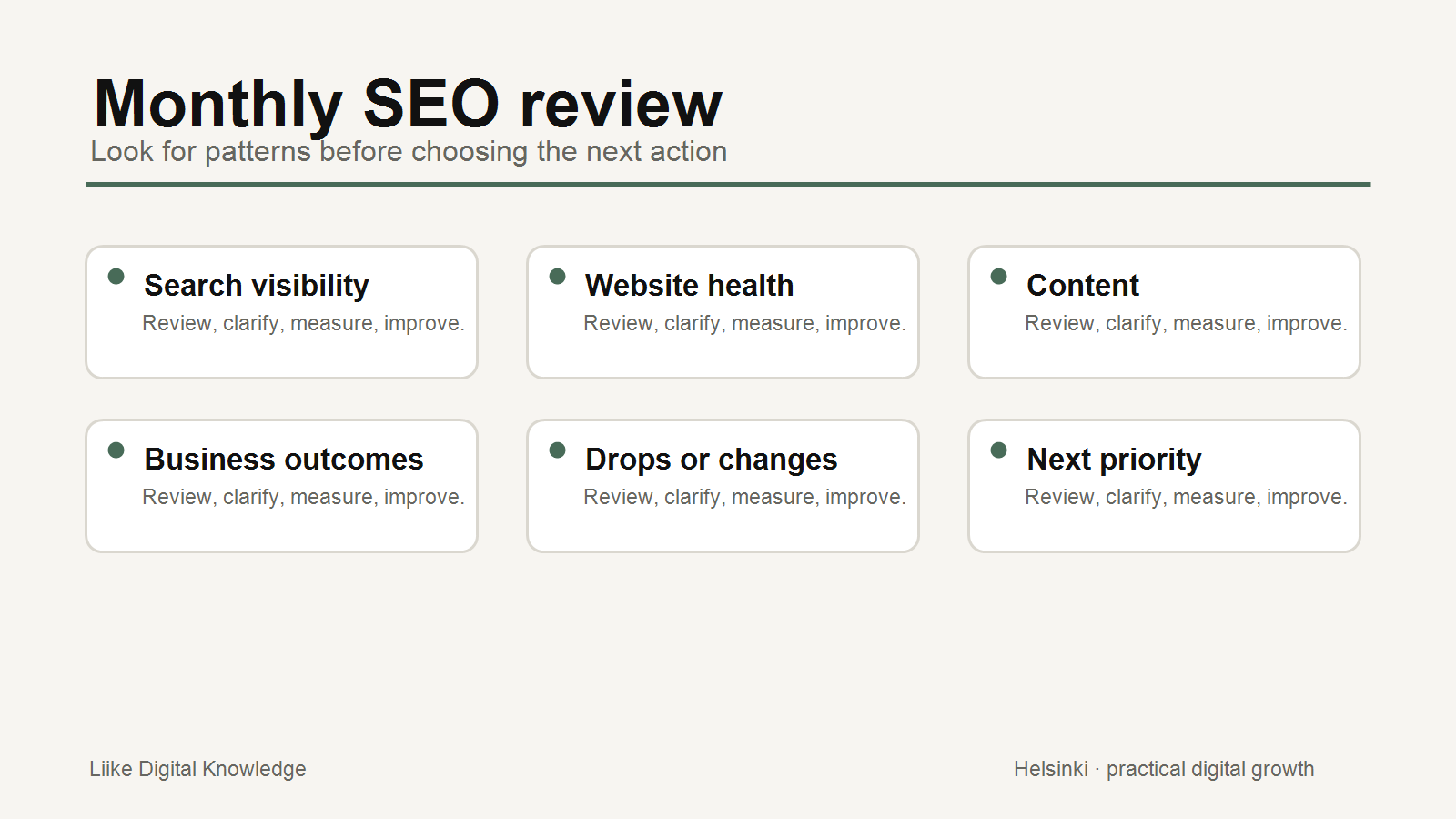
Small-business SEO does not need to become a daily dashboard habit. A simple monthly review is often more useful than reacting to every ranking movement or checking too many metrics without a decision.
The purpose of a monthly SEO review is to notice meaningful changes, understand what may require action, and choose one or two practical priorities for the next month.
Start with Search Console
Google Search Console is the best starting point for understanding how a website performs in Google Search before a visitor arrives. Review clicks, impressions, queries, pages, countries and devices. These metrics can show whether people are seeing the site, whether they click through, and which pages or topics are involved.
Do not treat one query or one position as the whole story. Search demand changes, seasonality matters, and Search Console data can behave differently from analytics data after the visitor reaches the website.
Review clicks and impressions together
Clicks show visits from Google Search. Impressions show how often a page appeared in search results. A page with rising impressions but low clicks may need clearer title text, a better snippet, stronger relevance or simply more time. A page with declining clicks and impressions may need a deeper review of search demand, page quality, indexing or competition.
Look for patterns rather than panic. Every metric does not need to rise every month.
Check search queries and landing pages
Search queries reveal the language people use before reaching the site. Pages show which parts of the site actually attract search visibility. Together, they help answer practical questions: are people finding the right services, are important pages visible, and are there repeated questions the content should answer more clearly?
If a high-intent query leads to a weak page, the next action may be improving the page, not writing a new article.
Review indexing and major technical issues
Use Search Console to check whether important pages can be indexed and whether there are major coverage problems. If a priority service page is excluded, blocked or unavailable, that is more urgent than small changes in content wording.
Also review whether recent website changes created unexpected issues: broken links, missing titles, redirect mistakes, removed content or pages that no longer load correctly.
Include website health and Core Web Vitals
Performance is not only a technical concern. Slow loading, poor responsiveness and layout shifts can affect user experience. Google's Core Web Vitals guidance focuses on real-world loading performance, interactivity and visual stability. For a small business, the practical question is whether important pages are fast and stable enough for customers to use comfortably.
If only low-priority pages show issues, observe and plan. If important service or contact pages are affected, treat that as a higher priority.
Connect SEO to business outcomes
Google Analytics helps show what visitors do after arriving. Acquisition and landing page reports can help connect organic traffic with engagement, leads, purchases, bookings or other key events. Search Console and Analytics measure different parts of the journey, so do not expect their numbers to match exactly.
The useful question is not simply whether traffic increased. It is whether the right visitors reached useful pages and took meaningful actions.
What requires action vs observation?
Usually requires action
- A priority page is not indexed or has a serious technical problem.
- Organic traffic drops sharply across important pages without an obvious seasonal reason.
- Search queries show demand for a service, but the matching page is unclear or missing.
- A page receives visits but produces no meaningful enquiries or next actions.
- Core Web Vitals or mobile usability issues affect important pages.
Often worth observing first
- Small ranking changes for one query.
- A short-term drop during a quiet week or holiday period.
- Impressions rising before clicks follow.
- Low-volume queries that do not connect to a business outcome.
- Metrics that changed because tracking or reporting was updated.
Monthly SEO Checklist
- Open Search Console and review the last 28 days or full month.
- Compare clicks and impressions with the previous period.
- Check the top queries for useful customer language.
- Review the top landing pages from search.
- Check whether important pages are indexed.
- Review major technical or performance warnings.
- Open Analytics and check organic traffic behavior.
- Review enquiries, bookings, purchases or other key events.
- Note unusual drops and possible explanations.
- Choose one or two priority actions for the next month.
Why rankings alone are insufficient
Rankings can be useful context, but they do not show the whole business impact. Search results vary by location, device, query wording, personal context and search feature. A ranking improvement for a low-value query may matter less than a clearer page that produces better enquiries.
A monthly review should connect search visibility to customer action. That is how SEO becomes a business decision process rather than a collection of isolated metrics.
Conclusion
A simple monthly SEO review should help the business decide what to improve next. It does not need to chase every fluctuation. Review search visibility, website health, content and outcomes together, then choose the next practical action.
Sources and further reading
- Google Search Central: Using Search Console and Google Analytics data for SEO
- Google Search Console Help: Performance report
- Google Analytics Help: User acquisition report vs. Traffic acquisition report
- Google Search Central: Understanding Core Web Vitals and Google search results
- Google Search Central: SEO Starter Guide
Related Knowledge
- A Practical SEO Checklist for Better Search Visibility
- How AI Answers Use Website Content
- How to Turn Your Website Into a Conversion System
- How to Choose the Right Marketing Channel
Want a clearer monthly view?
Liike Growth System Workspace provides self-service website, SEO, visibility, reporting, briefing and account tools to help you review signals and prepare better next actions.